A fully integrated workflow engine that indexes your catalog on disk and protects your online data footprint.
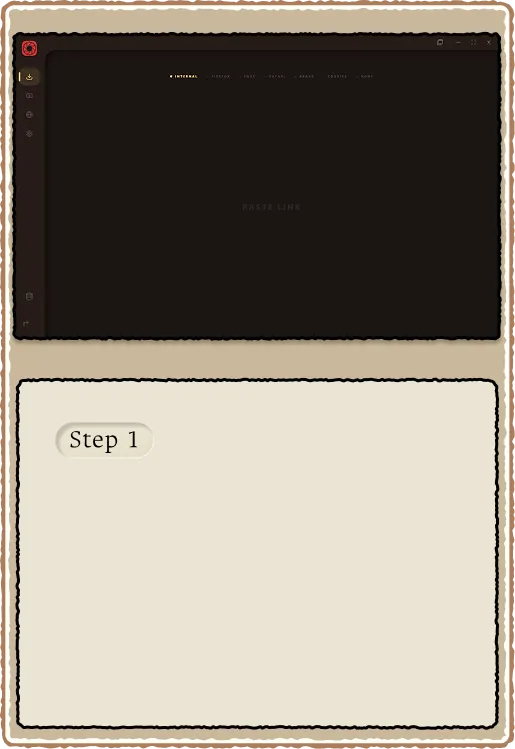
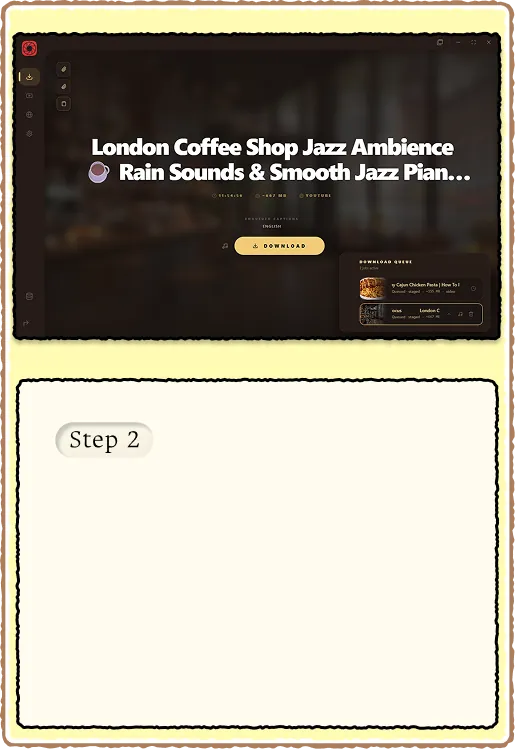
Drop a YouTube URL into the downloader. RuForge reads title, duration, and format options immediately.
Choose video or audio-only. Size estimates update live. Flip audio-only for real m4a extraction.
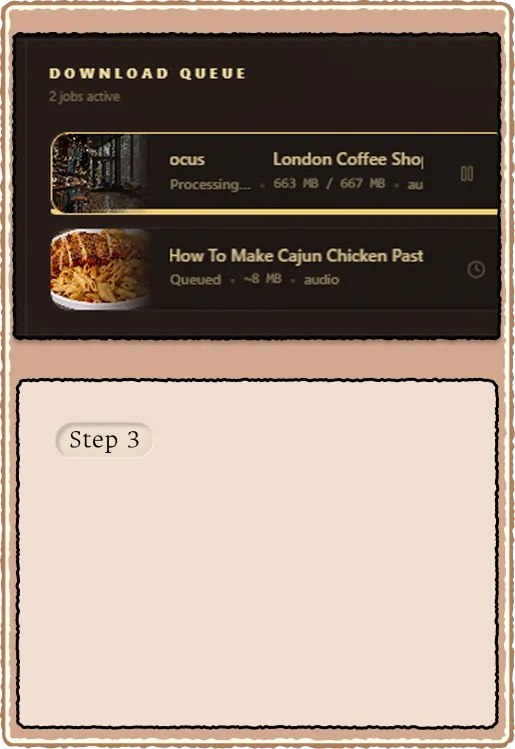
Multi-item batches show a centered card carousel with MB/s on the active row. Single jobs still use the corner drawer and stall watchdog.
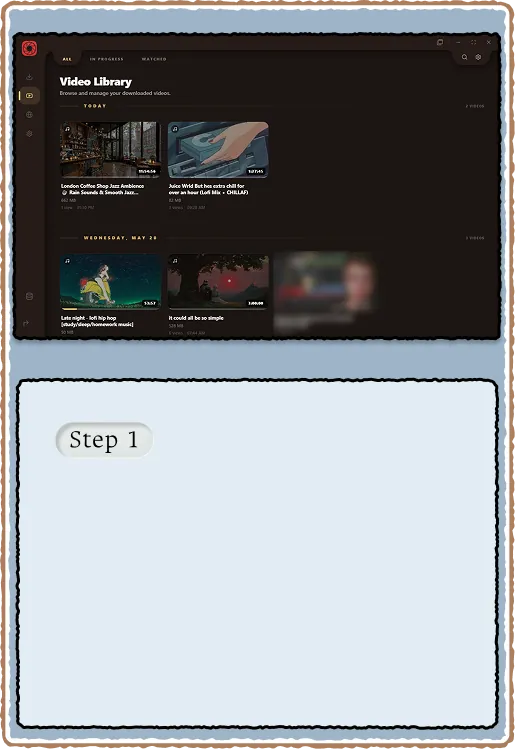
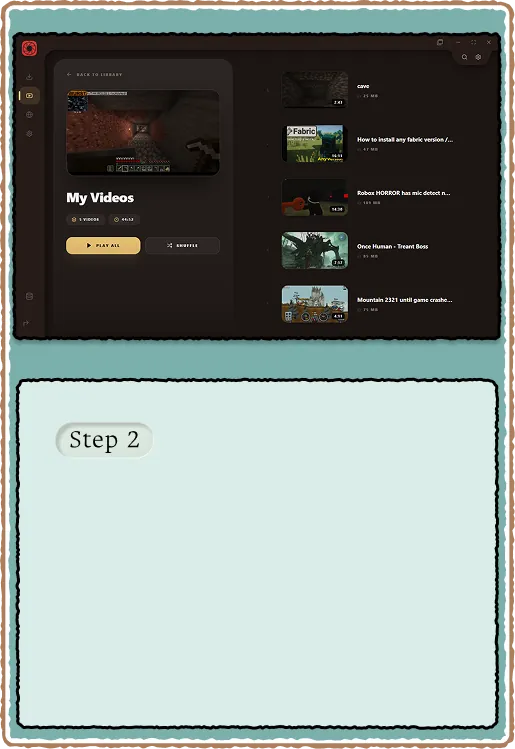
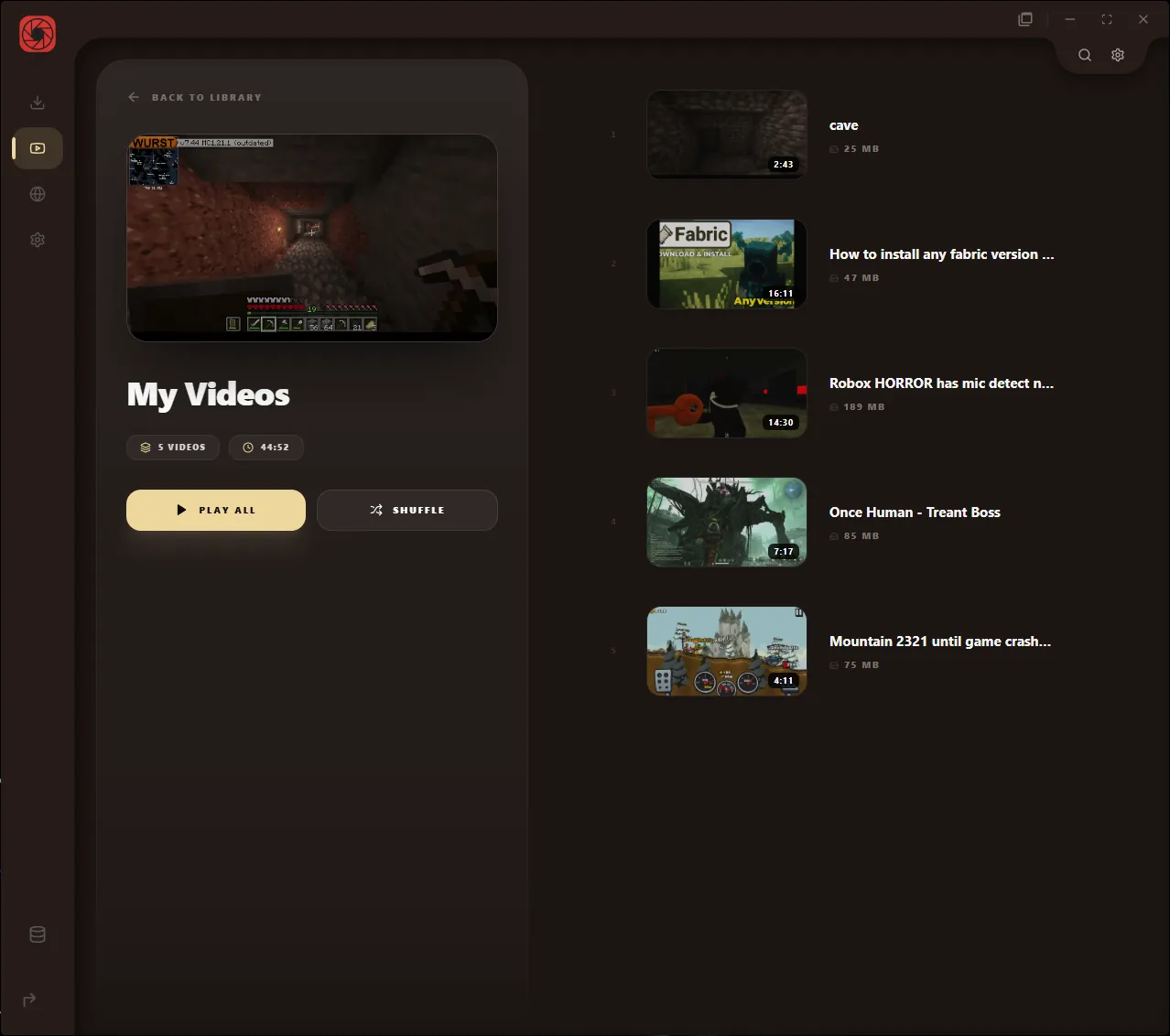
Scan folders, filter by type, and see watch progress on every card. Your library stays on disk with no account sync.
Progress bars paint on each card using stored playback position. Know what you watched at a glance.
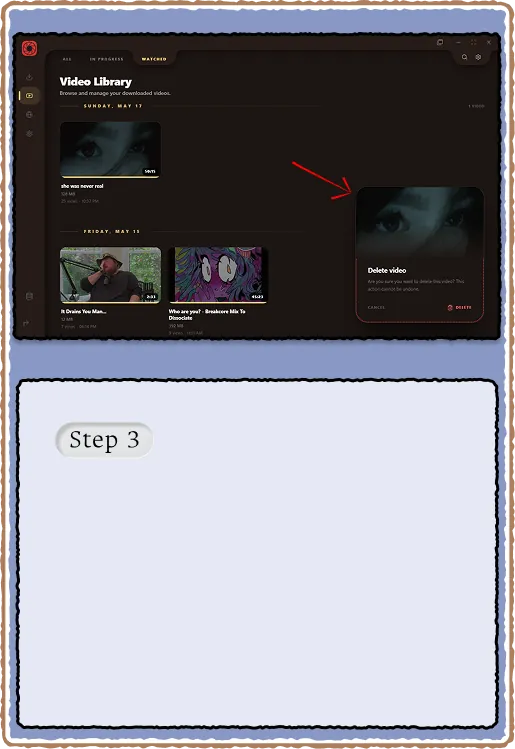
Remove files from disk and the index together. In-flight preview jobs cancel so deletes never block the UI.
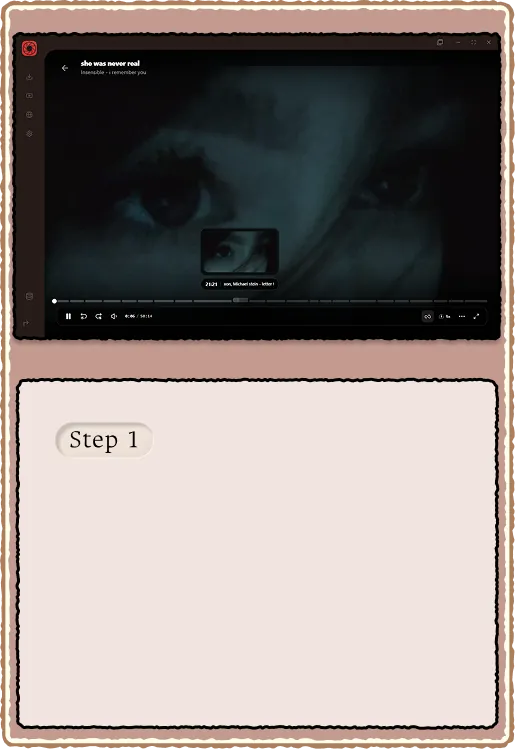
Drag the seeker or hover the chapter bar to jump. Thumbnail previews line up with the playhead.
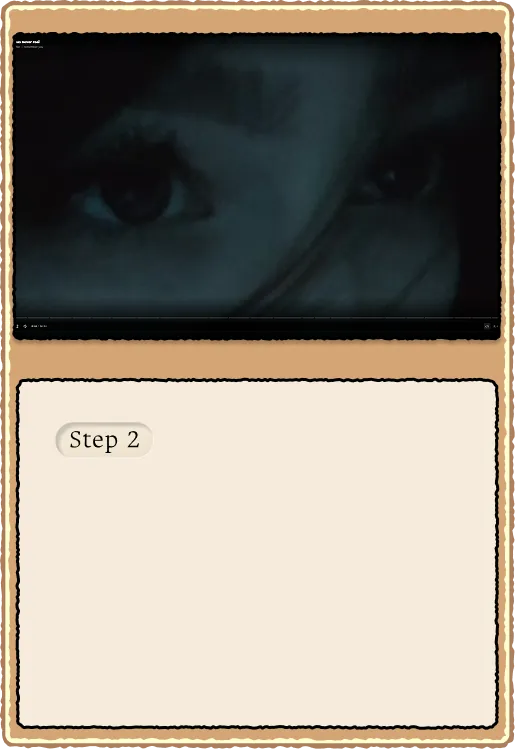
Hardware-friendly playback with keyboard shortcuts, volume, and loop. Built for files you already own.
Folder queue and library order show the next file before you skip. Auto-advance respects your settings.
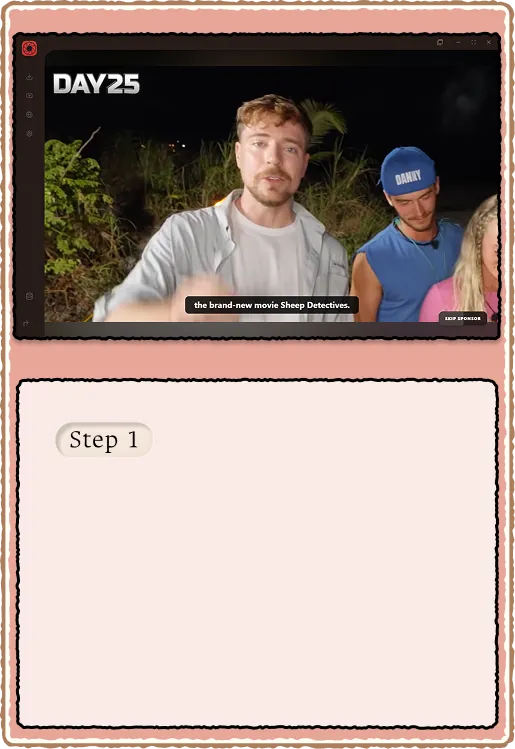
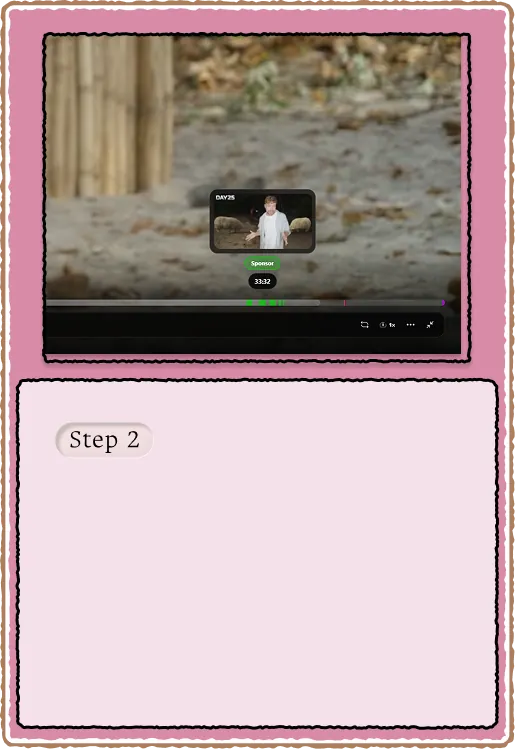
When a segment starts, hit the skip control. RuForge learns your preferences per category over time.
Sponsor ranges and chapters paint on the scrubber with extension-aligned colors.
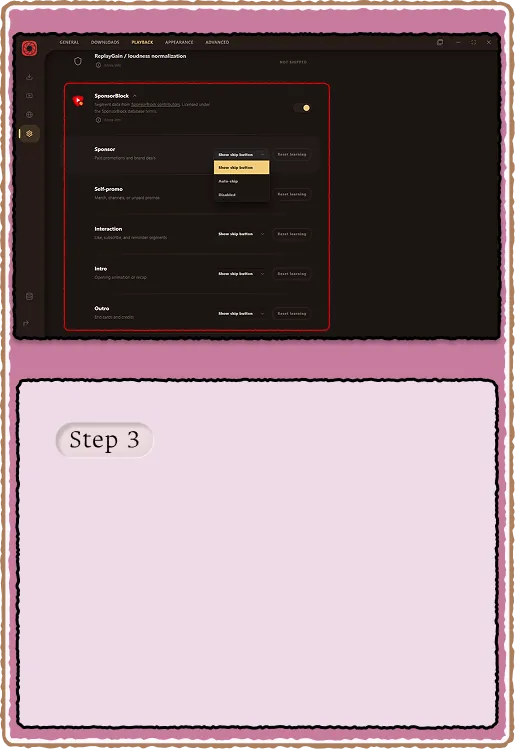
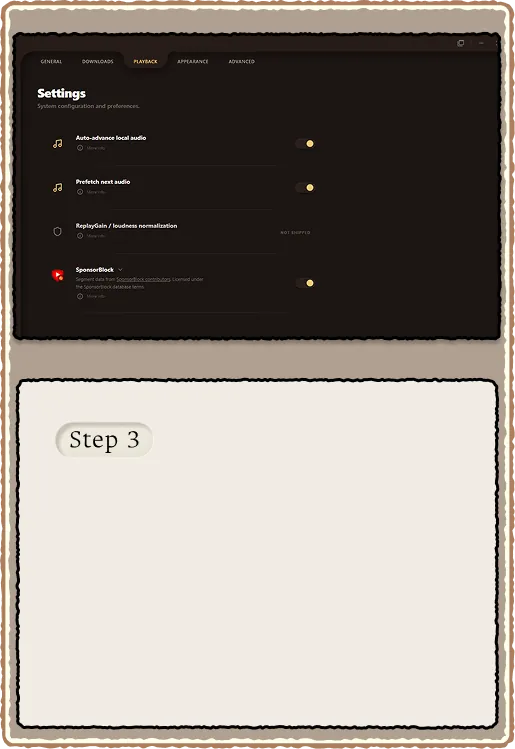
Toggle categories, intros, and music-offtopic in Playback settings. Hashes stay local.
Embedded music.youtube.com webview with a download dock, per-track orb progress, and batch audio-only saves.
Batch downloads write `.ruforge-playlist.json` rosters under Playlists with complete, incomplete, and downloading status.
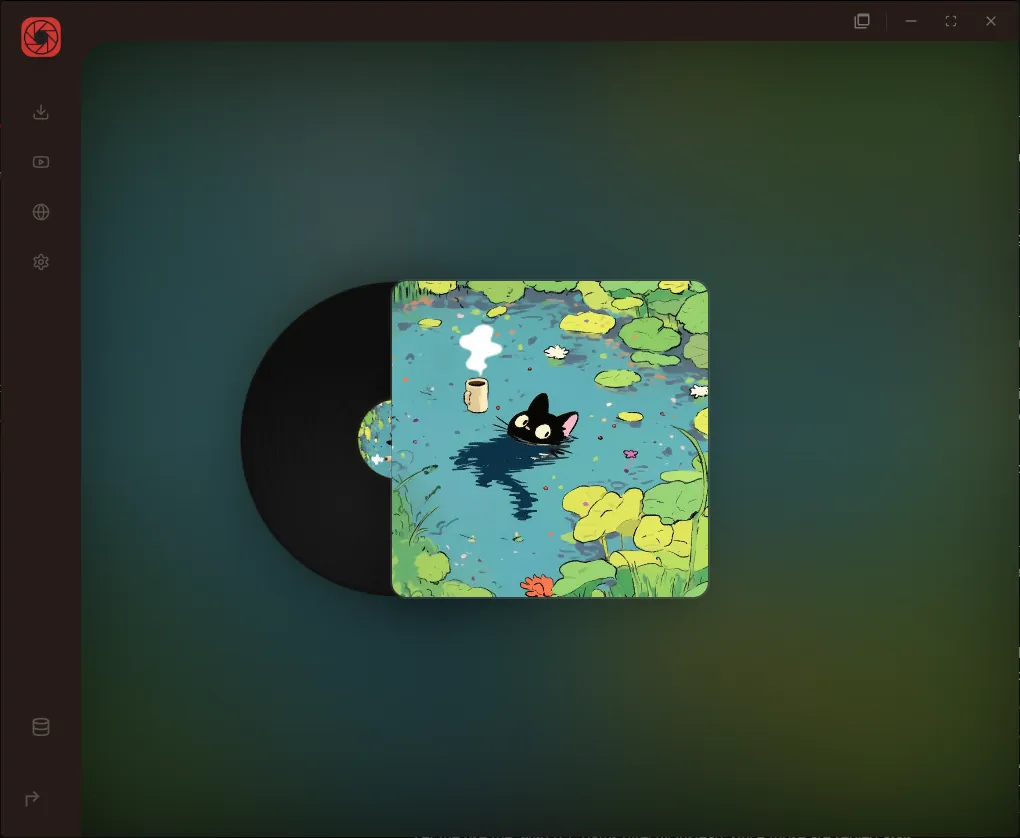
Vinyl album shelves, artist heroes, listen history, and signed cover art on album pages.
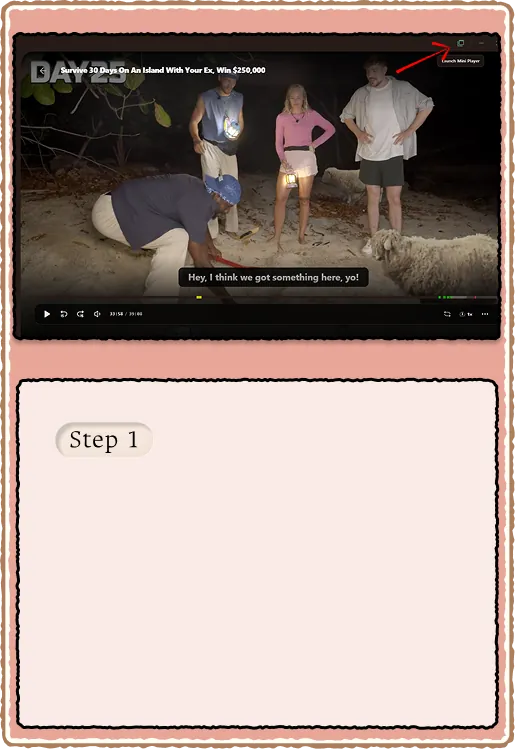
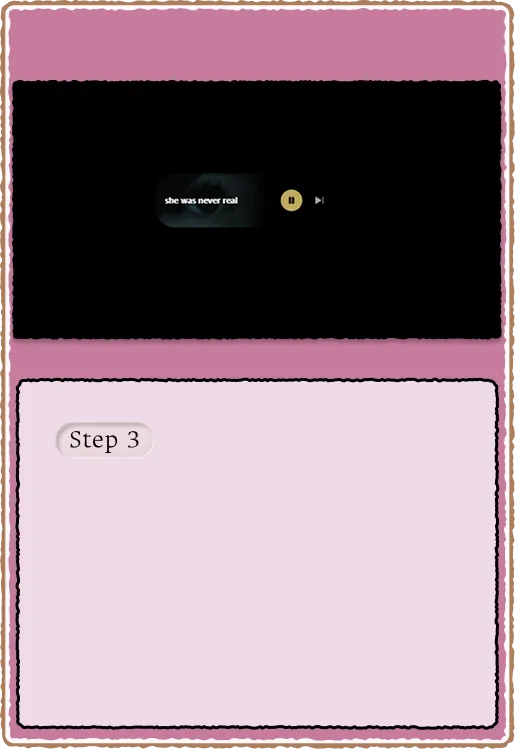
Detach playback into a borderless corner window using the mini player control in the top-right chrome.
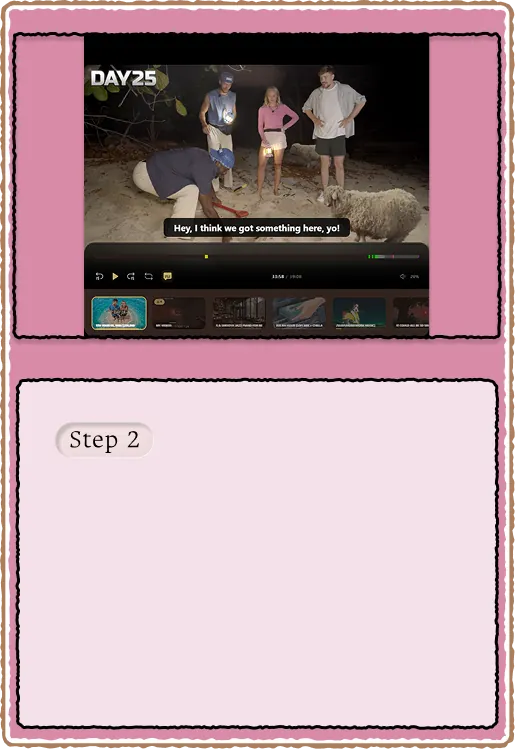
Resize to the comfortable large layout and pick the next file from the bottom media row.
Drop to the smallest height for a marquee title and tight controls. Stays readable on your workspace.
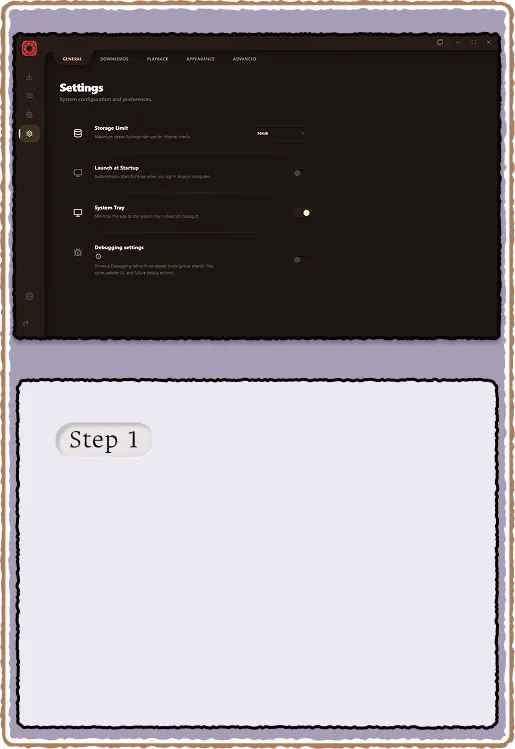
Set theme, accent, paths, and startup behavior. Everything persists locally for both windows.
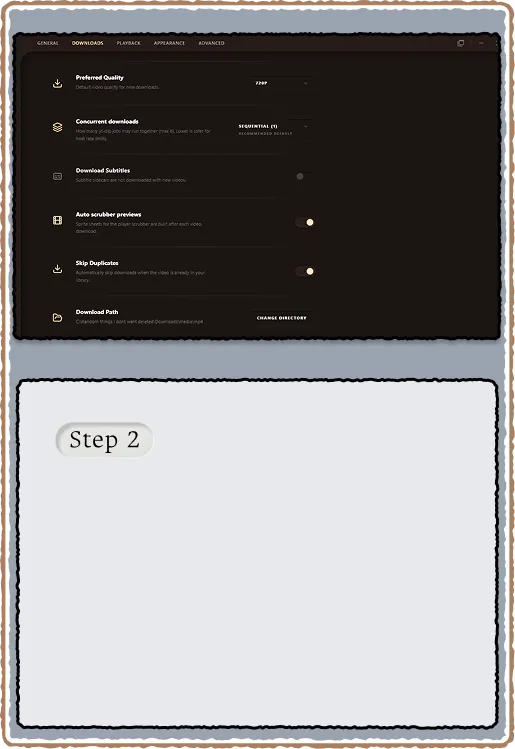
Parallel jobs, output folders, cookie sync, and automatic scrubber previews.
Auto-advance, prefetch, SponsorBlock tree, and ReplayGain placeholders live under Playback.