
Downloader
Reliable YouTube downloads with real size estimates, playlist folders, audio extraction, and a queue that does not pretend hung jobs are fine.
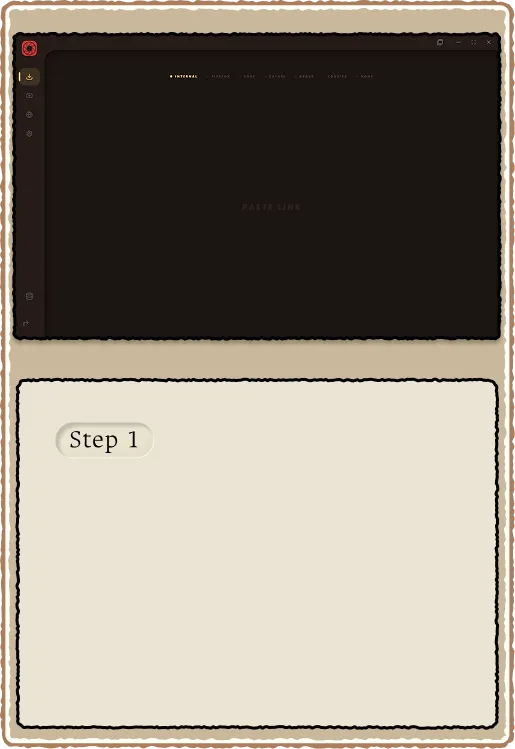
Paste a URL and go
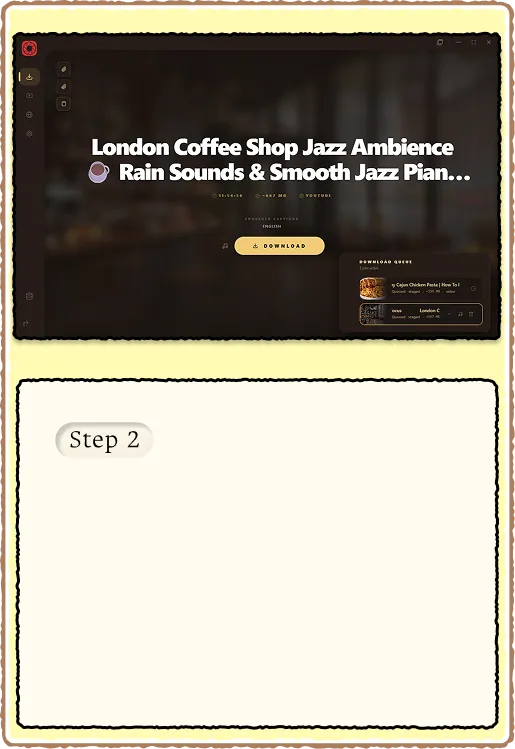
Drop a YouTube link into the input and RuForge fetches metadata immediately. You see the title, thumbnail, and size estimates before anything downloads. The hero area shows a live progress bar with speed and ETA once a job starts.
- Metadata fetch uses yt-dlp simulate (no partial download)
- Size estimates differ for audio-only vs video (dual simulate)
- Clipboard paste, drag-drop, and manual entry all work
Playlist support
Paste a playlist URL and every video appears as a row with its own toggle. Flip individual rows to audio-only, see per-row sizes, and check for duplicates before you commit. Downloads land in a numbered subfolder so file order matches playlist order.
- Per-row audio/video toggle with individual size previews
- Duplicate detection warns before you waste bandwidth
- Output folder: PlaylistName/01 - Title.mp4, 02 - Title.mp4, etc.
- Settings tool regroups flat files into playlist folders after the fact

Batch carousel and queue
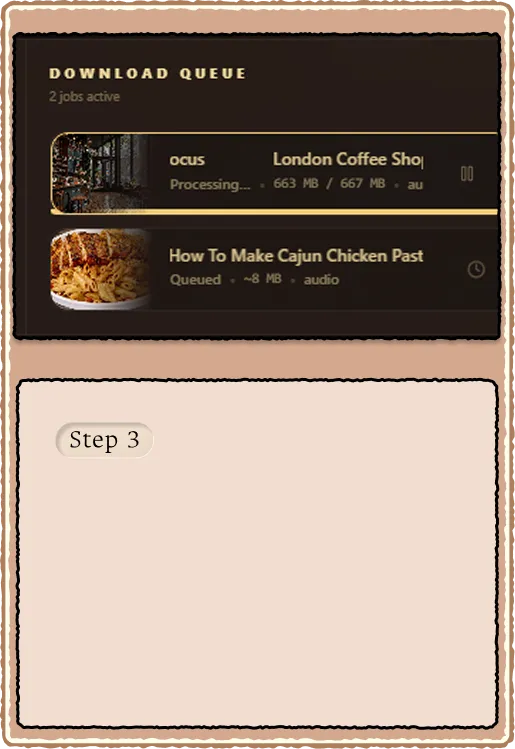
Multi-item batches keep you on the download screen with a centered card carousel: plain progress on each row, MB/s on the active job, and focus that follows what is actually transferring. The corner queue drawer still holds pause, resume, reorder, and replace. Format selection picks video (best muxed) or audio-only (m4a extraction, not a re-encode).
- Batch UI persists through playlist picks and Explorer multi-add
- Deno JS runtime auto-install when yt-dlp reports no supported runtime
- Failed music batch tracks retry up to three times at batch end
- Stall watchdog kills idle yt-dlp processes and marks the job failed
Post-download processing
After a successful download, RuForge generates scrubber preview sprites (ffmpeg sprite sheets) so hover previews work immediately in the player. Duplicate outputs from yt-dlp (video-only + muxed for the same id) are cleaned up automatically.
- Sprite generation runs in background (toggle off in Settings > Downloads)
- Orphan .fNNN video-only leftovers removed after mux completes
- Library scan picks up new files and deduplicates by source_id
- Processing phase shows "Processing..." in queue row while ffmpeg works